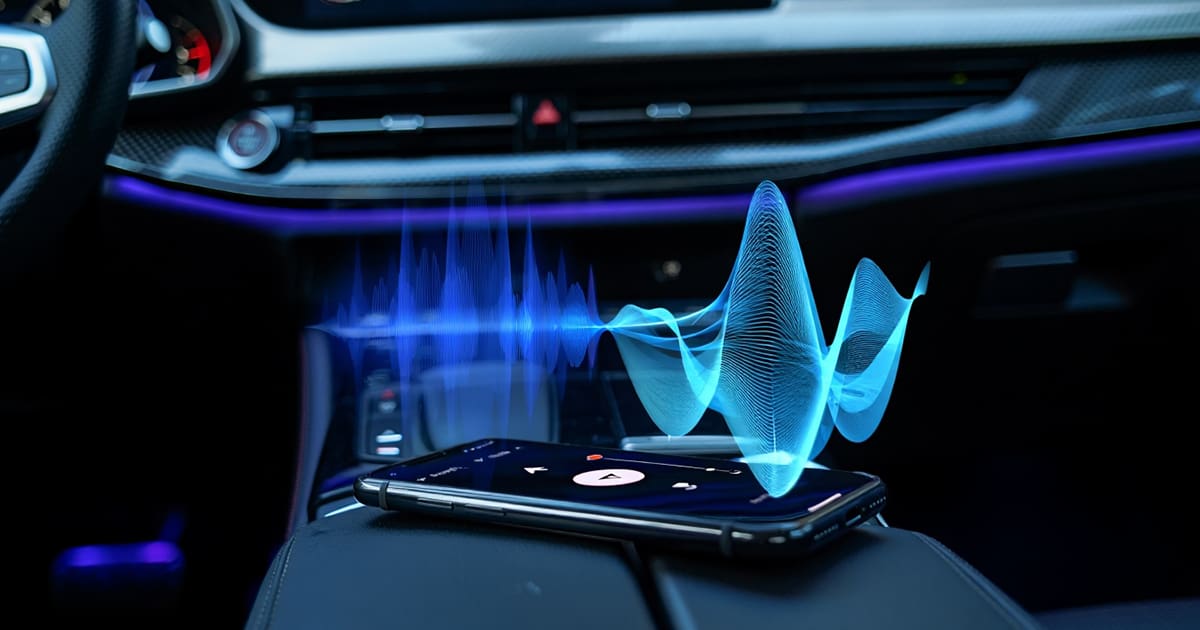
Bluetooth audio streaming is a convenient way to enjoy music in your vehicle, but many drivers notice that it doesn’t sound as crisp or detailed as a wired connection. While Bluetooth compression plays a role, several strategies can help optimize sound quality and make the most of your wireless audio system. Let’s explore key ways to improve Bluetooth audio in your car.
Understanding Bluetooth Audio Compression
When music is streamed via Bluetooth, the audio signal undergoes compression to reduce its file size for wireless transmission. This compression can result in a loss of detail, particularly when the system defaults to a basic codec like SBC (Subband Coding).
Higher-quality Bluetooth codecs—such as AAC, aptX, aptX HD, aptX Adaptive, and LDAC—offer improved sound performance by preserving more audio data. However, both the smartphone and the car’s Bluetooth system must support the same codec to take advantage of these improvements.
For iPhone users, AAC is the primary codec, providing good quality at moderate bitrates. Many Android devices support aptX or LDAC, both of which deliver superior audio performance. Checking which codec your device is using can be done in the phone’s settings (Android) or through system specifications. If your car’s system only supports SBC, upgrading the hardware may be necessary to achieve better audio quality.
Ensuring Strong and Stable Bluetooth Connectivity
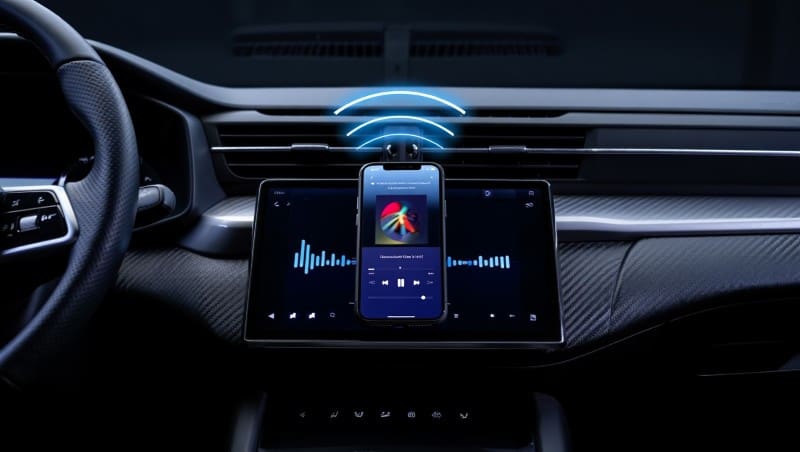
A weak Bluetooth connection can lead to dropouts, distortion, or reduced sound quality. Keeping the phone close to the receiver helps maintain a strong signal, as physical obstructions and distance can weaken Bluetooth performance. Wireless interference from other Bluetooth devices, Wi-Fi signals, and even some USB chargers may also degrade audio quality. Disabling unnecessary wireless connections while streaming can sometimes improve stability.
Resetting and re-pairing devices periodically can also help. Over time, Bluetooth pairing data can become corrupted, leading to connection issues. Removing the device from the car’s system and pairing it again may restore optimal performance.
Optimizing Smartphone Audio Settings
Many smartphones offer built-in settings that can enhance Bluetooth audio output. Some Android devices allow users to manually enable higher-quality codecs like aptX, aptX HD, or LDAC in developer settings. Additionally, adjusting equalizer settings in music apps or the phone’s audio settings can fine-tune bass, treble, and midrange frequencies, compensating for Bluetooth compression.
Volume levels can also impact perceived sound quality. Some devices limit output when connected via Bluetooth, reducing clarity. Ensuring that both the phone’s media volume and the car stereo’s volume are properly adjusted can help maintain a stronger signal and better audio performance.
Upgrading Your Vehicle’s Bluetooth Capabilities
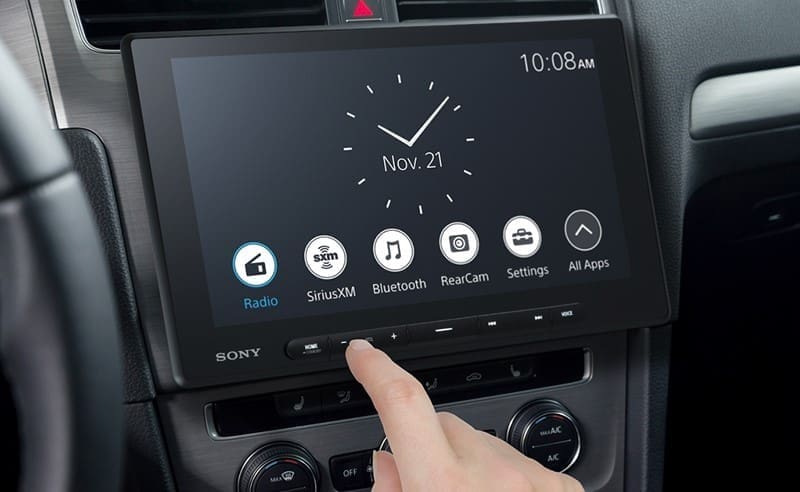
Factory-installed Bluetooth systems vary in quality, and older models may lack support for higher-quality codecs. If the car’s Bluetooth hardware is a limiting factor, upgrading to a high-performance Bluetooth receiver designed for car audio systems can offer better codec support and improved sound processing. Aftermarket head units provide another option, with many premium models featuring advanced Bluetooth capabilities such as aptX HD and LDAC, resulting in significantly improved audio quality.
For drivers who prioritize sound quality over convenience, a wired USB or auxiliary connection remains the best option. Bluetooth is great for everyday use, but a direct connection eliminates compression and ensures the highest level of detail and clarity.
Improving Car Audio System Components
Even with a high-quality Bluetooth signal, the performance of the car’s audio system determines the overall listening experience. Factory speakers often lack the precision needed to reproduce detailed sound, making upgraded speakers and amplifiers a worthwhile investment. A high-quality amplifier provides clean, powerful output, while a digital signal processor (DSP) allows professional installers to fine-tune the system for optimal performance.
Road noise can also affect perceived audio quality. Sound-deadening materials, such as insulation and mats, reduce vibrations and external noise, allowing the music to come through with greater clarity. By addressing both the audio source and the system’s acoustic environment, a well-designed upgrade can make Bluetooth audio sound significantly better.

Using High-Quality Music Sources
The quality of the audio files or streaming service has a direct impact on Bluetooth playback. Compressed, low-bitrate files introduce artifacts that become even more noticeable when transmitted wirelessly. Choosing high-bitrate streaming services like Tidal, Apple Music, or Amazon Music HD ensures better sound quality.
Downloading music for offline playback is another option, as many streaming apps allow users to store high-quality files that avoid the limitations of real-time streaming compression. For those who prefer to use local files, lossless formats like FLAC, ALAC, or WAV provide superior audio fidelity compared to standard MP3s.
Final Thoughts
Bluetooth audio has come a long way, and with the right optimizations, it can sound remarkably good. By selecting the best available codec, maintaining a stable connection, fine-tuning audio settings, and upgrading key components, drivers can achieve a listening experience that rivals wired connections.
For expert advice and professional audio upgrades, visit a local reputable mobile enhancement retailer near you. You can find some great shops using our Dealer Locator.
This article is written and produced by the team at www.BestCarAudio.com. Reproduction or use of any kind is prohibited without the express written permission of 1sixty8 media.

Leave a Reply